
Authenticator App vs SMS 2FA: Which One Actually Protects You in 2026?
Authenticator app vs SMS 2FA: app codes cannot be stolen by a SIM swap, so SMS ranks lowest. How each method fails and which to switch on first in 2026.
Authenticator App vs SMS 2FA: Which One Actually Protects You in 2026?
In the authenticator app vs SMS 2FA comparison, the app wins on one decisive point: its codes never leave your device. SMS codes travel across the phone network, and the phone network can be taken away from you.
That said, the worst option here is still enabling nothing. Microsoft's security team, drawing on analysis of hundreds of millions of daily fraudulent sign-in attempts against its cloud services, has stated that enabling multi-factor authentication blocks 99.9% of account-compromise attacks. Weak second factors stop the bulk attacks that succeed purely on reused passwords.
How each method actually works
SMS one-time codes
The service generates a code, hands it to a messaging provider, and the mobile network delivers it to whichever SIM currently holds your number. Every one of those hops is a place the code can be diverted, and the last one is controlled by your carrier rather than by you.
Authenticator app codes (TOTP)
When you scan the setup QR code, the service and your app agree on a shared secret. From then on the app combines that secret with the current time to compute a six-digit code, refreshing every thirty seconds. No code is transmitted to you, so there is no delivery channel to attack — and it works with no signal at all.
Why SMS ranks lowest
SMS fails in ways that require no interaction from you whatsoever:
- SIM swap fraud. An attacker moves your number to their SIM and receives every code. This is a documented, high-value crime — see how SIM swap fraud works and how to stop it.
- Port-out fraud, the same outcome achieved by transferring your number to another carrier.
- Network-level interception, historically through weaknesses in signalling protocols between carriers.
- Delivery through third-party messaging aggregators, adding parties who can see the code in transit.
- Lock-screen previews, which expose codes to anyone holding your phone.
Formal guidance reflects this. CISA's fact sheet 'Implementing Phishing-Resistant MFA', published in October 2022, ranks MFA methods by resistance and pushes organisations away from SMS towards FIDO/WebAuthn and smartcard-based options. NIST's SP 800-63 digital identity guidelines, updated in the 800-63-4 revision, restrict out-of-band authentication over the public telephone network and require phishing resistance at the highest authenticator assurance level, which SMS codes cannot provide.
Where authenticator apps still fall short
Both SMS and app codes share one weakness: a real-time phishing page can ask for the code and relay it to the genuine site within its validity window. The code is valid; you simply typed it into the wrong place.
This is precisely what 'phishing-resistant' means, and why the ranking has three tiers rather than two:
- SMS or voice codes — better than a password alone, vulnerable to SIM swap and phishing.
- Authenticator app codes or push approvals — immune to SIM swap, still phishable in real time.
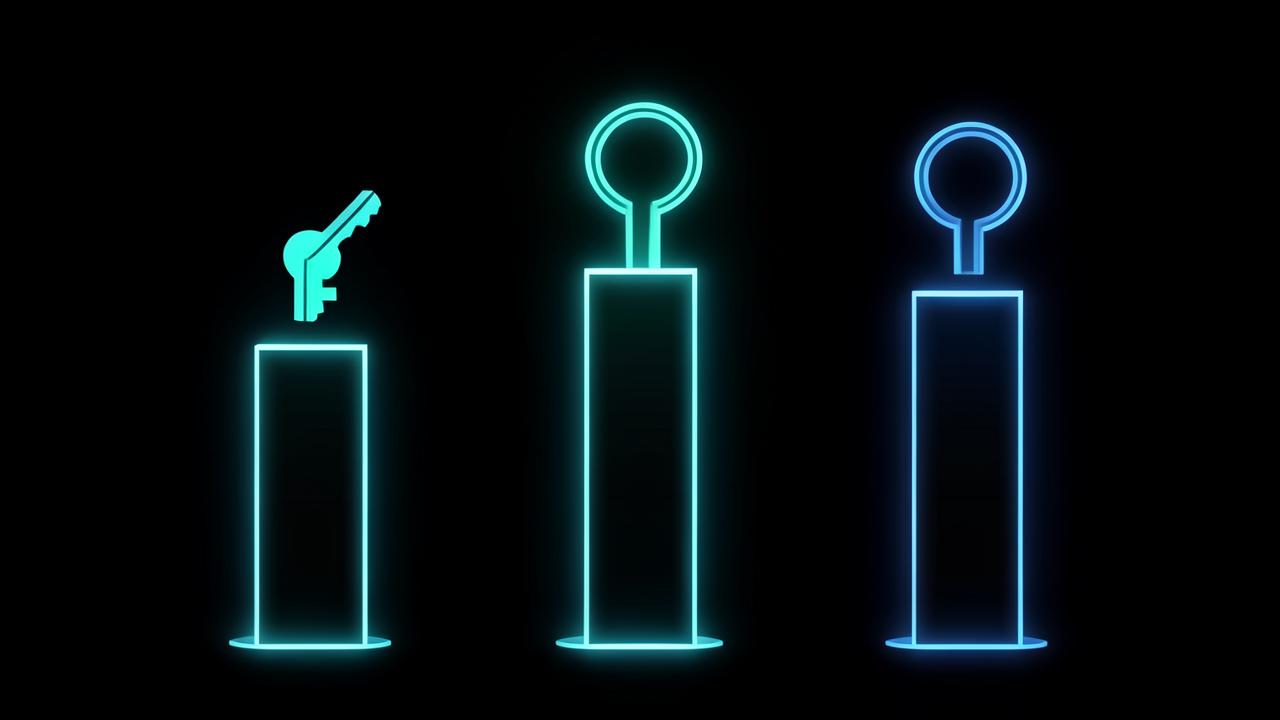
- Passkeys and FIDO2 security keys — cryptographically bound to the site's domain, so a fake site cannot use them at all.
That top tier is worth reaching for on your most valuable accounts. Our explainer on what a passkey is and how it works covers the mechanics.
What to do this week
- Install a reputable authenticator app that supports encrypted backup, so losing your phone does not lock you out.
- Switch your email account first — it is the reset path for everything else — then banking, then cloud storage and social accounts.
- Remove SMS as a fallback once the app is working, since a fallback left in place is still an attack path.
- Save the recovery codes each service offers, offline and away from the device.
- Add a passkey or hardware key wherever it is offered, especially on email and financial accounts.
- Fix the passwords underneath, because a second factor is a backstop and not a substitute — audit them with our password strength checker and replace weak entries using the password generator.
If a service only offers SMS
Keep it enabled, and compensate elsewhere: set a carrier account PIN and a number-transfer lock so your number cannot be moved, and use a unique password so the second factor is never the only thing standing between an attacker and the account.
The short verdict
Use an authenticator app rather than SMS wherever both are offered, and a passkey or security key rather than either wherever that is possible. Keep SMS only where nothing better exists.
The remaining gap is human: a code typed into a convincing fake page defeats every method except a passkey. That is why the habit of checking where you are signing in still matters — how to tell if a website is legit is the companion skill to any of this.
Authenticator app vs SMS 2FA in daily use
Security aside, the two methods behave differently in ways that decide whether people stick with them.
- Coverage: app codes work with no signal, on a plane or abroad, while SMS depends on delivery and roaming.
- Speed: a code is on screen instantly rather than waiting on a network hop.
- Device loss: SMS follows your number to a replacement SIM, whereas app codes need a backup or recovery codes — the one genuine advantage SMS has.
- Travel: swapping to a local SIM removes SMS access to your accounts entirely, a common way people lock themselves out.
- Multiple accounts: an app holds dozens of them in one place with clear labels.
The device-loss point is the reason people avoid switching, and it is solvable in advance: choose an app with encrypted backup and store each service's recovery codes offline before you need them.
Choosing what to protect first
Not every account deserves the same effort. Rank by what an attacker could reach through it rather than by how sensitive it feels.
- Email, because it can reset almost everything else.
- Banking, payment and any account holding cryptocurrency.
- Password manager, which is the single highest-value target you own.
- Cloud storage and photo backups, which contain identity documents more often than people expect.
- Social and messaging accounts, which are used to reach your contacts once taken.
Frequently Asked Questions
Is SMS 2FA safe to use in 2026?+
It is much safer than a password alone but is the weakest widely available second factor, because codes depend on the phone network and can be captured through SIM swap or port-out fraud. CISA guidance ranks it below app codes and hardware-backed methods.
Why is an authenticator app better than SMS?+
An authenticator app computes codes on your device from a shared secret and the current time, so no code is transmitted anywhere. There is no message to intercept and no phone number to hijack, which removes the entire SIM swap attack path.
Can an authenticator app be phished?+
Yes. A convincing fake login page can ask for your current code and relay it to the real site within its thirty-second window. Only phishing-resistant methods such as passkeys and FIDO2 security keys, which are bound to the site's domain, prevent this.
How effective is two-factor authentication overall?+
Microsoft has stated that enabling multi-factor authentication blocks 99.9% of account-compromise attacks, based on analysis of fraudulent sign-in attempts against its cloud services. Any second factor is dramatically better than none.
What happens if I lose the phone with my authenticator app?+
You use the recovery codes the service issued at setup, or an encrypted backup if your authenticator app offers one. Save recovery codes offline when you enable two-factor authentication rather than after you need them.
Related articles
Browse all in Privacy & SecurityBest Identity Theft Protection Services in 2026 (Aura vs LifeLock vs IDShield Compared)
Read Privacy & SecurityBest VPN for Torrenting and Streaming Safely in 2026
Read Privacy & SecurityBest Private, Encrypted Email Providers in 2026 (ProtonMail vs Tutanota)
Read Privacy & SecurityBest Parental Control Apps in 2026 (Protect Your Kids Online)
Read Privacy & SecurityBest Antivirus Software in 2026: Which One Actually Protects You?
Read Privacy & SecurityWhat Is Browser Fingerprinting? Why It Tracks You Even With a VPN On
ReadTry the related free tools
Hands-on utilities from DigiMetrics Hub that go with this guide.
Cookie & Storage Inspector
See which cookies, local storage and session storage items this site keeps in your browser, sorted into essential, analytics and advertising.
Open tool Security & PrivacySSL Checker
Check SSL certificate validity, issuer, and expiry date for any website. Free online SSL checker.
Open tool Security & PrivacyPassword Generator
Generate strong, secure random passwords instantly. Free password generator with custom options.
Open tool Security & PrivacyPassword Strength Checker
Test the strength of your password and get tips to make it more secure. Free online tool.
Open tool