
What Is Juice Jacking? Should You Actually Worry About Public USB Chargers?
Juice jacking means data theft through a tampered public USB charger. Here is what is proven, what is theory, and how to charge safely in public places.
What Is Juice Jacking? Should You Actually Worry About Public USB Chargers?
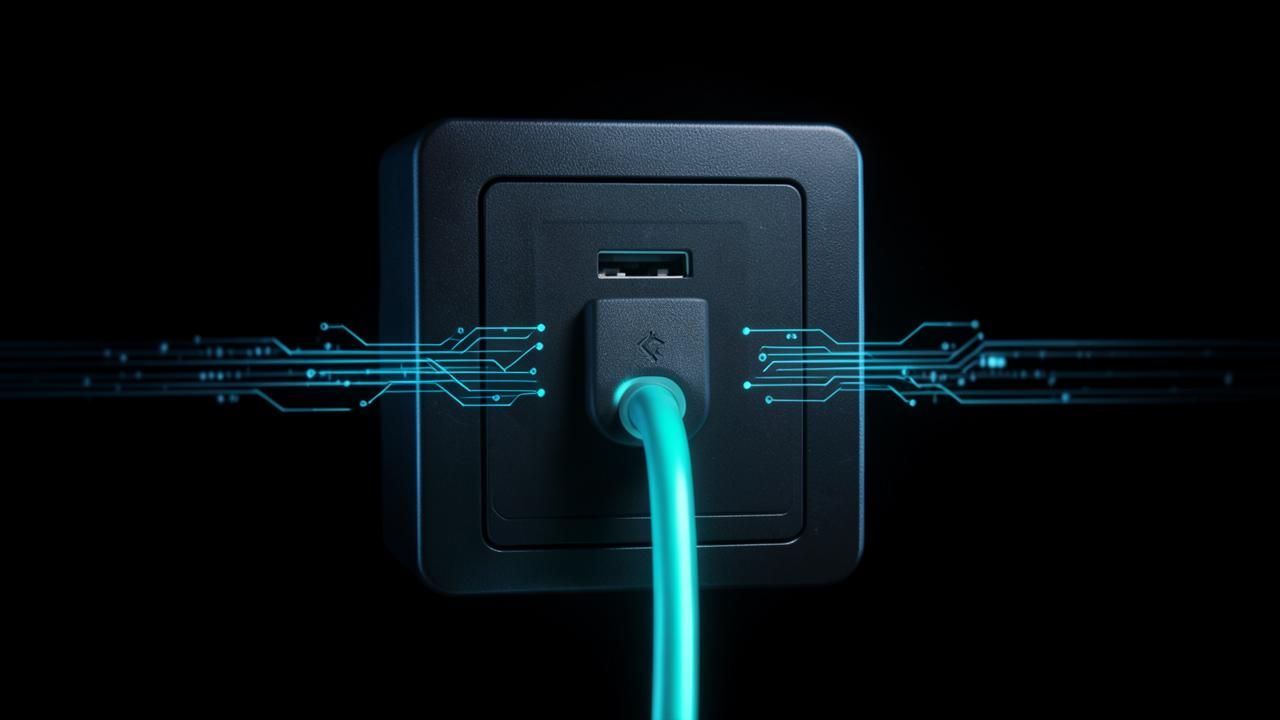
Juice jacking is the idea that a public USB charging port can steal data from your phone or install something on it while it charges. It is possible because the connector was designed to move data and power down the same cable.
Whether it deserves the alarm it receives is a separate question — and the honest answer is that the threat is real in a laboratory and thin in the wild.
How juice jacking would work
Plug into a normal wall socket and your phone receives electricity only, because a power adapter has no data path. Plug into a USB port and the port is, in principle, a computer capable of negotiating a data connection.
Two variants get demonstrated at security conferences:
- Data theft: the hidden computer behind the port requests file access and copies photos, contacts or documents while the device charges.
- Malware delivery: the port attempts to install software or a configuration profile, which then persists after you unplug.
A related trick uses the cable rather than the port — a modified cable with electronics hidden in the moulding. That is why the practical advice covers borrowed cables as well as public ports.
What the FBI and FCC actually said
Both agencies have warned about it. The FBI's Denver field office publicly advised travellers in 2023 to avoid free charging stations in airports, hotels and shopping centres, and the Federal Communications Commission published its own consumer advisory on juice jacking with tips for avoiding it.
Those advisories are precautionary rather than incident-driven. When journalists and researchers pressed for cases, they came up empty: reviews by Snopes, Ars Technica and Krebs on Security in April and May 2023 all reported that no confirmed instance of a consumer device being compromised through a public charging port had been documented. Security researchers describe juice jacking as a demonstrated proof of concept rather than an attack seen in the field.
That is a genuinely useful distinction to hold onto. Compare it with SIM swap fraud, where the FBI's Internet Crime Complaint Center recorded $72.6 million in reported losses in 2022 — a threat with a documented body count, which we cover in how SIM swap fraud hijacks your phone number.
Why modern phones already resist it
Phone platforms closed the easy version of this attack years ago. Connect a current iPhone or Android device to an unknown host and it defaults to charging only; transferring files requires you to unlock the device and explicitly approve the connection, and iOS additionally requires trusting the computer.
Installing software silently is harder still, since it would need an unpatched vulnerability in the device rather than merely a physical connection. Keeping your operating system current is therefore doing most of the defensive work here — the same reason patching matters for the browser warnings that protect you on shared networks, as covered in public WiFi myths versus facts.
Public USB charger safety: what to actually do
- Carry your own plug and use a wall socket. No data path, no debate.
- Carry a small power bank for travel days, which removes the need for public charging altogether.
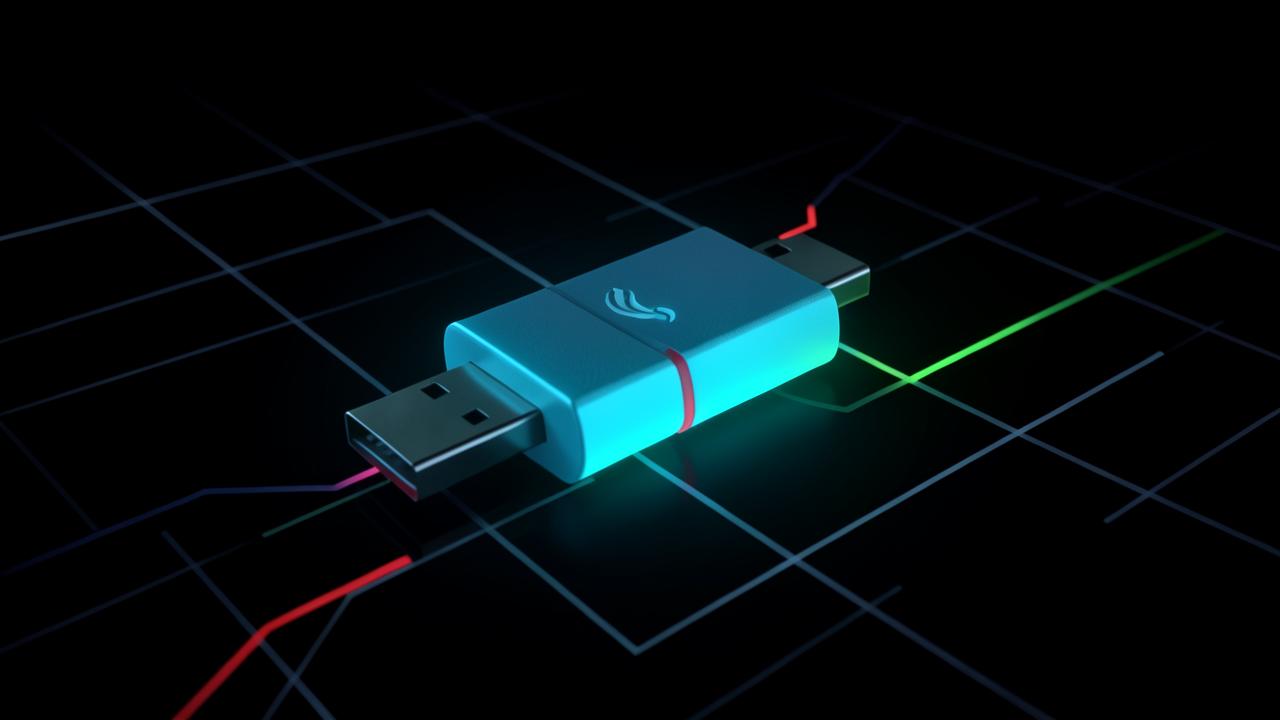
- Use a USB data blocker — a cheap adapter that physically omits the data pins so only power flows.
- Use a charge-only cable for anything public or borrowed.
- If you must use a public port, keep the phone locked while charging and decline any prompt asking to allow data access or trust the computer.
- Never accept a cable or charger handed to you by a stranger, and never install anything as a condition of charging.
How much should you worry?
Proportionately. Juice jacking sits low on a realistic threat list for an ordinary traveller, well below phishing, credential reuse and account takeover — all of which have plentiful documented victims. If your security effort is limited, spend it on unique passwords from a password generator and stronger login protection first.
The reason to bother at all is that the countermeasure is trivially cheap. A data blocker costs less than an airport coffee and eliminates the category permanently, which makes it a reasonable purchase even for an unproven risk.
The scams that deserve your attention instead
If you are prioritising, the attacks with real 2025 and 2026 case volume are the ones that trick you into acting. The FBI issued a public service announcement in July 2025 about malicious codes arriving on unsolicited packages — see QR code scams in 2026 — and synthetic voice fraud has already produced eight-figure corporate losses, covered in AI voice cloning scam calls.
Juice jacking is worth a three-dollar adapter and a moment of thought. It is not worth fear at a charging kiosk while a far more effective scam sits unread in your inbox.
What the actual risk at a public charger looks like
Strip out the theoretical attack and something more mundane remains. The realistic hazards at a public charging point are a damaged cable, an unregulated power supply, and a device left unattended in a locker or behind a counter while it charges.
There is also a social variant that does not need any hardware at all: a helpful stranger offering their cable or power bank, or a charging kiosk that asks you to unlock the phone before it will start. Unlocking, or approving a trust prompt, is the step that turns a power connection into a data connection — and it is always a step you take.
Sensible precautions without the panic
- Carry your own charger and plug into a mains socket rather than a USB port whenever one is available.
- Use a small power bank for travel days; it removes the question entirely.
- If you must use a public USB port, keep the phone locked and decline any prompt asking to trust the computer or allow data access.
- Use a charge-only cable or a data-blocking adapter, which physically omits the data lines.
- Keep the operating system updated, since the trust prompts and USB restrictions that make this attack impractical arrived through those updates.
- Never leave the device unattended while charging, which is the far more common way phones are lost.
Proportion matters. The threats that actually empty accounts are credential phishing, reused passwords and number hijacking, not airport charging kiosks — which is why the same ten minutes is better spent on your second factors.
Frequently Asked Questions
What is juice jacking?+
Juice jacking is the theft of data from a device, or the installation of malware onto it, through a tampered public USB charging port or cable. It exploits the fact that USB carries both power and data over the same connector.
Has anyone actually been a victim of juice jacking?+
No confirmed consumer case has been documented publicly. Fact-checks by Snopes, Ars Technica and Krebs on Security in 2023 found the threat to be a demonstrated proof of concept rather than an attack observed in the wild, despite FBI and FCC advisories.
Is it safe to use airport USB charging ports?+
For a current, updated phone it is generally safe, because the device defaults to charging only and requires explicit permission before allowing data access. Using your own plug in a wall socket or a USB data blocker removes even that uncertainty.
Does a USB data blocker really work?+
Yes. A data blocker physically omits the data pins in the connector, so only power can flow. It is a hardware limitation rather than a software setting, which is why it is a reliable and inexpensive countermeasure.
Can a charging cable itself be malicious?+
Yes. Cables with electronics concealed in the connector housing have been built and demonstrated publicly. That is why the advice covers borrowed and gifted cables as well as public charging ports.
Related articles
Browse all in Privacy & SecurityBest Identity Theft Protection Services in 2026 (Aura vs LifeLock vs IDShield Compared)
Read Privacy & SecurityBest VPN for Torrenting and Streaming Safely in 2026
Read Privacy & SecurityBest Private, Encrypted Email Providers in 2026 (ProtonMail vs Tutanota)
Read Privacy & SecurityBest Parental Control Apps in 2026 (Protect Your Kids Online)
Read Privacy & SecurityBest Antivirus Software in 2026: Which One Actually Protects You?
Read Privacy & SecurityWhat Is Browser Fingerprinting? Why It Tracks You Even With a VPN On
ReadTry the related free tools
Hands-on utilities from DigiMetrics Hub that go with this guide.
Browser Fingerprint
Check your browser fingerprint and see what data websites can collect about you. Free privacy tool.
Open tool Security & PrivacyIP Blacklist Checker
Check if your IP address is listed on any spam or blacklist database. Free online tool.
Open tool Security & PrivacySSL Checker
Check SSL certificate validity, issuer, and expiry date for any website. Free online SSL checker.
Open tool Security & PrivacyPassword Generator
Generate strong, secure random passwords instantly. Free password generator with custom options.
Open tool