
QR Code Scams Are Everywhere in 2026 — Here's How to Spot a Fake One
A QR code scam hides a malicious link inside a square you cannot read. Learn how fake QR codes work, where they appear, and how to check one before you scan.
QR Code Scams Are Everywhere in 2026 — Here's How to Spot a Fake One
A QR code scam works because you cannot read a QR code. You point your camera at a black-and-white square, trust that it goes where the poster claims, and hand over card details on whatever page opens.
The security community calls this quishing — phishing delivered by QR code. It is popular for two dull, practical reasons: printing a sticker costs almost nothing, and email filters never see the link because the link never travels through email.
What a QR code actually contains
A QR code is an encoding format, not a program. The pattern of squares stores plain text: most often a web address, sometimes WiFi credentials, a phone number, a payment string or a calendar entry. Scanning it cannot, by itself, install anything.
That is the good news and the bad news. Nothing malicious lives inside the square, so there is no such thing as an infected QR code in the way there is an infected file. But because the text is unreadable to you, the code is a perfect wrapper for a link you would never have clicked if you had seen it written out.
If you want to see what benign codes look like from the other side, build one with our QR code generator and inspect what your camera reports before it opens.
Where fake QR codes are showing up
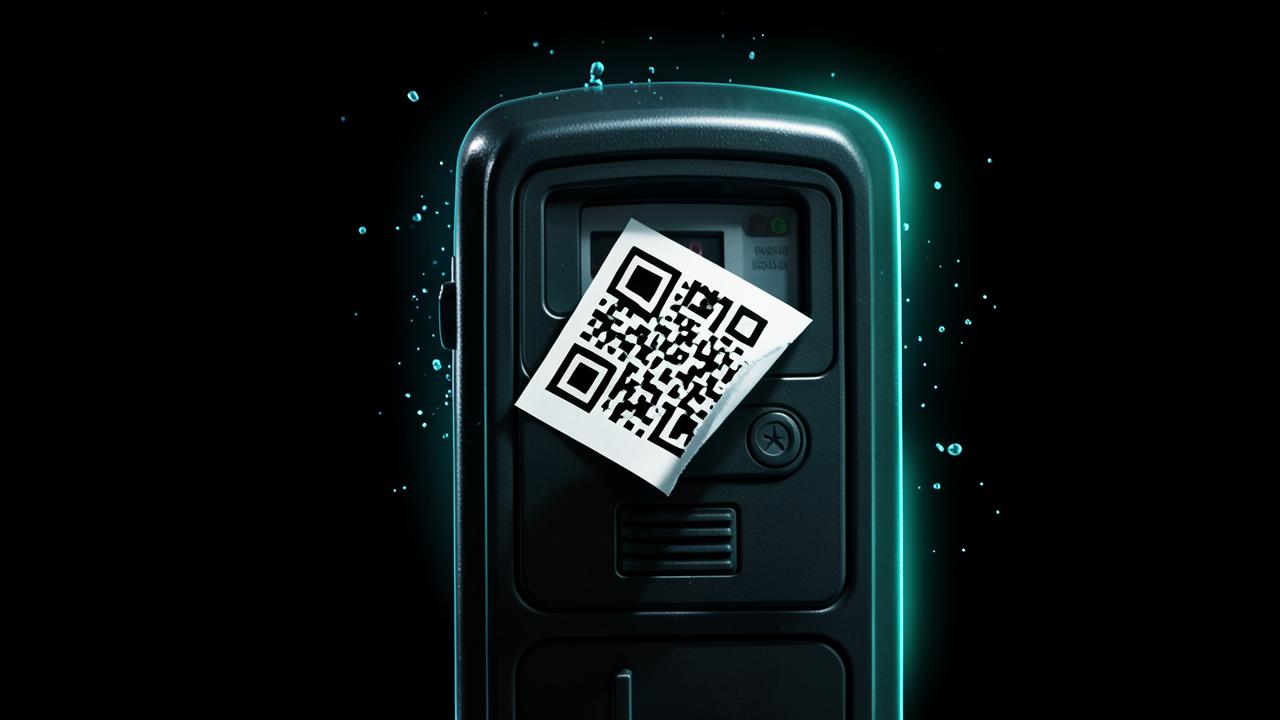
According to the US Federal Trade Commission's consumer alert of 6 December 2023, scammers place their own stickers over legitimate QR codes in public places — parking meters being the standout example — so drivers pay a convincing-looking fake instead of the city.
The FTC followed up on 23 January 2025 with an alert about a newer variant: an unexpected package arrives with no sender details and a QR code inviting you to scan to identify the sender or arrange a return. The FBI's Internet Crime Complaint Center published its own public service announcement on the same pattern, PSA250731, in July 2025, describing unsolicited parcels whose QR codes are used to harvest personal data or push malicious software.
- Stickers over parking-meter, EV charger and bike-share codes leading to fake payment pages.
- Unsolicited packages with 'scan to identify the sender' codes (FBI PSA250731).
- Restaurant table codes replaced with ones pointing at a cloned ordering site.
- Fake delivery-failure notices posted through the door with a code to 'reschedule' for a small fee.
- Codes in emails and PDFs — used specifically because a link inside an image dodges text-based scanning.
- Conference and poster codes promising a prize draw, wired to a credential-harvesting login page.
How to spot a fake QR code before you scan
The physical check comes first, because most attacks are physical:
- Feel the edge of the code. A sticker sitting on top of printed material has a lip you can catch with a fingernail. Peeling corners, a mismatched paper finish or a code slightly askew on an otherwise neat sign are all giveaways.
- Ask whether a code belongs there at all. Municipal parking systems, banks and delivery firms rarely depend on a code taped to a surface at street level.
- Read the preview URL your camera shows before tapping. Look at the registrable domain — the part immediately before the first single slash — not the words that follow it.
- Distrust shortened links in a payment context. A legitimate merchant has no reason to hide its own domain behind a redirector.
- Refuse the code entirely for anything financial. Type the merchant's address yourself, or use the app you already have installed.
If a code has already opened a site and you are unsure about it, do not enter anything yet. Our walkthrough on how to tell if a website is legit covers the domain, certificate and age checks worth running first, and you can look up when the domain was registered with the domain age checker.
What happens if you already scanned one
Scanning alone is rarely the harmful moment. Damage occurs when you type something into the page that opened, approve a payment, or install a file it offered.
- Entered a password? Change it immediately on the real site, and change it anywhere you reused it.
- Entered card details? Call your bank, freeze or replace the card, and dispute any transaction that appears.
- Approved a payment? Report it to your bank and to your national fraud reporting service straight away — speed matters more than completeness.
- Downloaded and installed something? Disconnect from WiFi, run a full scan with the security tools already on the device, and remove the app.
- Nothing entered? Close the tab and clear the site data. You are almost certainly fine.
The response steps overlap heavily with a mis-clicked email link, which we cover in more detail in what actually happens when you click a phishing link.
Is scanning QR codes safe in 2026?
Yes, with one habit attached: read the preview before you tap. QR codes are now embedded in transit systems, restaurant menus, boarding passes and payment terminals, and refusing them altogether is not realistic.
Treat every code the way a cautious person treats a link in an unexpected message. Verify the destination, distrust urgency, and never let a square of printed ink be the last check between you and your card details.
Where fake codes are actually turning up
The pattern across public warnings is consistent: codes are placed where you expect to find one and are already in a hurry. That is what makes them work — the context does the persuading, not the code.
- Stickers applied over legitimate codes on parking meters, charging points and payment terminals.
- Posted flyers offering refunds, prize draws or package redelivery.
- Unsolicited parcels containing a card with a code, the pattern the FBI described in its July 2025 public service announcement.
- Emails and PDF attachments where the code replaces a clickable link, because a code survives filters that inspect URLs.
- Screens and printed menus in busy venues, where nobody notices an extra sticker.
Why a code in an email is a warning by itself
A legitimate sender who already has your attention in an email has no reason to make you pick up a second device. Pushing you from a filtered, inspectable inbox onto an unmanaged phone camera is the point of the technique, not a convenience. Treat any code inside a message about security, payment or delivery as hostile until you have reached the same destination independently.
How to spot a fake QR code scam in seconds
The defence is not vigilance about codes in general; it is a rule about where you authenticate and pay. Scan freely for menus, timetables and WiFi details. Never complete a payment or a login from a scanned code — open the app or type the address yourself, every time, even when the code appears genuine.
If you generate codes for your own business or event, the same asymmetry applies in reverse: print them on materials that are hard to sticker over, and tell customers which domain the code should lead to so a substitution is obvious. Our QR code generator produces codes you control end to end.
Frequently Asked Questions
Can scanning a QR code hack my phone?+
Scanning by itself does not install anything — a QR code only stores text, usually a web address. The risk comes from what you do on the page that opens, such as entering a password or card details, or installing a file it offers you.
How can I tell if a QR code is fake?+
Check whether the code is a sticker placed over printed material by feeling for a raised edge, question why a code is there at all in a payment context, and read the preview URL your camera displays — focusing on the domain rather than the words after it.
Are QR codes on parking meters safe?+
They are a known target. The FTC's December 2023 consumer alert specifically described scammers covering legitimate parking-meter codes with their own stickers, so paying through the operator's official app or website is safer than scanning.
Why did I get a package with a QR code I did not order?+
The FBI issued a public service announcement, PSA250731, in July 2025 about unsolicited packages containing QR codes used to start fraud schemes. Do not scan the code; the parcel is the bait and the code is the hook.
What should I do if I already scanned a scam QR code?+
If you only opened the page, close it and clear the site data. If you entered a password, change it everywhere you used it. If you entered card details or approved a payment, contact your bank immediately and report the fraud.
Related articles
Browse all in Privacy & SecurityBest Identity Theft Protection Services in 2026 (Aura vs LifeLock vs IDShield Compared)
Read Privacy & SecurityBest VPN for Torrenting and Streaming Safely in 2026
Read Privacy & SecurityBest Private, Encrypted Email Providers in 2026 (ProtonMail vs Tutanota)
Read Privacy & SecurityBest Parental Control Apps in 2026 (Protect Your Kids Online)
Read Privacy & SecurityBest Antivirus Software in 2026: Which One Actually Protects You?
Read Privacy & SecurityWhat Is Browser Fingerprinting? Why It Tracks You Even With a VPN On
ReadTry the related free tools
Hands-on utilities from DigiMetrics Hub that go with this guide.
SPF DKIM DMARC Checker
Check any domain's SPF, DKIM and DMARC records live, get an A–F email security grade and copy-ready DNS fixes.
Open tool Security & PrivacySSL Checker
Check SSL certificate validity, issuer, and expiry date for any website. Free online SSL checker.
Open tool Security & PrivacyPassword Strength Checker
Test the strength of your password and get tips to make it more secure. Free online tool.
Open tool Security & PrivacyEmail Validator
Validate any email address format instantly. Free online email checker, no signup required.
Open tool