
Why Does My IP Address Keep Changing? (And Should You Be Worried?)
Your IP address keeps changing because home connections use temporary leased addresses. Why that is normal, when it is not, and how to get a static one.
Why Does My IP Address Keep Changing? (And Should You Be Worried?)
Your IP address keeps changing because your provider never promised it would stay the same. Home connections are handed a temporary address from a pool, and when the lease on it ends you may be given a different one.
This is ordinary behaviour, not evidence that anything is wrong. You can watch it happen by checking what your IP address is now and again after your next router reboot.
Dynamic addresses and the DHCP lease
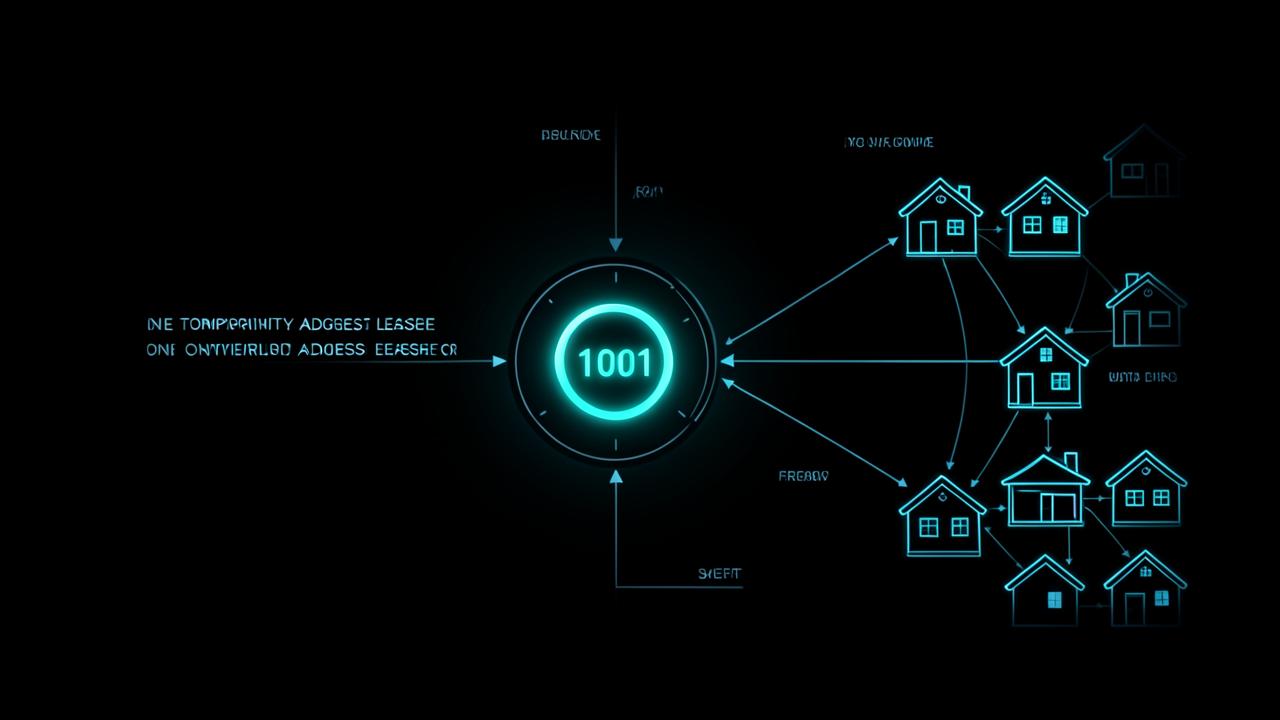
The mechanism is DHCP, specified by the IETF in RFC 2131. A client asks for an address, a server offers one from its pool, and the assignment comes with a lease time. Before the lease expires the client tries to renew it; if renewal fails, or the device has been offline past the expiry, it requests a fresh address and may be handed a different one.
Providers run this at scale because addresses are a finite resource. Recycling them among customers who are not permanently online is far cheaper than reserving one per household forever.
Inside your home the same protocol runs on your router, which is why your laptop's local address can change too. Local and public addresses are separate things, a distinction we unpack in what an IP address is.
The specific things that trigger a new address
- Rebooting or unplugging the router, which releases the lease.
- A lease expiring while the connection was down.
- Provider maintenance, a line fault, or a re-authentication event.
- Switching networks entirely — mobile data, a different WiFi network, a VPN connection.
- Connecting or disconnecting a VPN, which replaces the address sites see with the VPN server's.
If your address changes several times a day without any of these, the likely cause is an unstable line dropping and re-authenticating. That is a connection quality problem to raise with your provider, not a security one.
Carrier-grade NAT and IPv6 rotation
Two further mechanisms confuse the picture. The first is carrier-grade NAT, where a provider shares one public IPv4 address among many customers because IPv4 space has run out. Your router holds a private address, the public address you appear to use belongs to the provider, and it may serve thousands of other households at the same time.
The second is IPv6 privacy addressing. RFC 8981, published by the IETF in February 2021, defines temporary IPv6 addresses generated with randomised interface identifiers, specifically so that an observer cannot track a device over time by its address. Devices generate these and cycle them deliberately — so on IPv6, a changing address is a privacy feature working as designed.
Between dynamic leases, shared provider addresses and IPv6 rotation, treating an IP address as a stable identity was never sound. It is also why an address only ever locates a network approximately, as our IP lookup tool illustrates.
Should you be worried?
Almost never. A changing address is not a sign that someone is on your network, and an attacker gaining access to your router would have no reason to rotate your public address.
The signals actually worth investigating are different:
- Devices you do not recognise listed in your router's client list.
- Router admin credentials that no longer work, or settings that changed without you.
- DNS servers in your router configuration that you did not set.
- Your address appearing on a mail or abuse blocklist, which can indicate compromised traffic from your network — check with the IP blacklist checker.
- Account login alerts from locations you have never used, which points to credential theft rather than anything about your IP.
If a login alert is what brought you here, credential protection is the real subject — start with authenticator apps versus SMS two-factor codes.
When you actually need a static IP address
A fixed address matters when something outside your network needs to reach a known point inside it, or when a service allowlists you by address.
- Hosting a game server, home lab, security camera system or self-hosted service.
- Remote desktop or VPN access into your home network.
- Business systems, VoIP, or vendor portals that restrict access to specified addresses.
- Sending email directly from your own mail server, which needs consistent forward and reverse DNS.
Options, in order of cost: enable dynamic DNS on your router, which keeps a hostname pointed at whatever address you currently hold; ask your provider for a static address, usually a small monthly fee on a business plan; or use a VPN or tunnel service that gives you a fixed endpoint. Remember that any of these interact with port forwarding — see what port forwarding is and whether it is safe before opening anything.
For everyone else, a changing address is background noise. It is how the internet was designed to allocate a scarce resource, and on IPv6 it is a privacy protection you would not want to switch off.
Why your IP address keeps changing: which mechanism applies
Before paying for anything, work out whether you have a dynamic public address, a shared one behind carrier-grade NAT, or a rotating IPv6 address. The diagnosis changes what is possible.
- Note the public address your provider gives you, reboot the router, and check again. A different value means dynamic assignment.
- Compare the address shown in your router's status page with your public address. If the router shows a private-range address instead, you are behind carrier-grade NAT and inbound connections cannot be forwarded at all.
- Check whether you have an IPv6 address as well as an IPv4 one. If the IPv6 value changes over hours while IPv4 stays put, you are seeing privacy addressing rather than a lease change.
- Watch for repeated changes within a single day with no reboots, which points to line instability worth reporting.
What a changing address does and does not affect
- Broken by a change: port forwarding, self-hosted services, remote desktop, and anything relying on an address allowlist.
- Mildly affected: occasional extra login verification, since services treat a new address as a new context.
- Unaffected: your online accounts, your device security, and your ability to browse normally.
- Improved by a change: address-based tracking over time, which is the reason IPv6 rotates deliberately.
In other words, the inconvenience is real for people running services at home and close to invisible for everyone else.
Frequently Asked Questions
Why does my IP address change on its own?+
Because home connections use dynamic addressing. Under the DHCP model defined in RFC 2131, your router leases an address for a limited time and may receive a different one when the lease is renewed after a reboot, outage or reconnection.
Is a changing IP address a sign of hacking?+
No. A rotating public address is normal provider behaviour and gives an attacker nothing. Genuine warning signs are unfamiliar devices on your router, changed router settings or DNS entries, and login alerts from unexpected locations.
Why does my IPv6 address change so often?+
IPv6 devices generate temporary addresses with randomised identifiers as described in RFC 8981, published in 2021, specifically so that eavesdroppers cannot track a device over time by its address. The rotation is an intentional privacy feature.
Can I stop my IP address from changing?+
You can request a static address from your provider, usually for a monthly fee, or use dynamic DNS to keep a hostname pointed at your current address. A VPN or tunnel service with a fixed endpoint achieves a similar result for remote access.
Why do I share a public IP address with other people?+
Many providers use carrier-grade NAT because IPv4 addresses ran out, sharing one public address among many customers. Your router holds a private address, and the public one you appear to use may be serving thousands of other households.
Related articles
Browse all in IP & NetworkingProxy-Seller Review 2026: Proxy Types, Features, Pricing, Testing & Affiliate Offer
Read IP & NetworkingWhy Is My DNS Slow? 7 Fixes for Slow DNS Lookups (2026)
Read IP & NetworkingWhat Is My IP Address and How Do I Find It? (Public vs Private, 2026)
Read IP & NetworkingWhat Is DNS and How It Works (Beginner Guide)
Read IP & NetworkingIPv4 vs IPv6 Explained (Simple Comparison)
Read IP & NetworkingHow to Test Internet Speed Accurately
ReadTry the related free tools
Hands-on utilities from DigiMetrics Hub that go with this guide.
What Is My IP
Instantly find your public IP address, location, ISP and timezone. Free, no signup required.
Open tool Network & IPIP Lookup
Look up any IP address and find its location, ISP, timezone and network details for free.
Open tool Network & IPWHOIS Lookup
Free WHOIS lookup: find who owns a domain, when it was registered, when it expires, plus its registrar, nameservers and status codes. No signup needed.
Open tool Network & IPReverse DNS
Perform a reverse DNS lookup to find the hostname associated with any IP address for free.
Open tool