
Does Incognito Mode Actually Hide You? What It Does and Doesn't Do
Incognito mode does not hide your IP address or your activity from your provider. What incognito mode actually does, what it never did, and what to use.
Does Incognito Mode Actually Hide You? What It Does and Doesn't Do
Incognito mode hides your browsing from other people who use your device — and from nobody else. It stops the browser writing history, cookies, site data and form entries to disk once you close the window.
It does not change your network identity. The question people really mean when they ask whether incognito mode hides their IP address has a short answer: no, and it never has.
What incognito mode actually does
A private window is best understood as a temporary, empty profile. It starts with no cookies, keeps whatever it collects in memory for the life of the session, and discards it when the last private tab closes.
- Browsing history is not written to the browser's history database.
- Cookies and site storage are isolated from your normal profile and deleted at the end of the session.
- Form entries, search-bar suggestions and saved passwords are not recorded.
- You appear signed out of sites, because the session cookies from your normal profile are not carried over.
- Downloads still land on your disk, and bookmarks you create still persist.
That combination is genuinely useful — for shared computers, for testing how a site behaves to a first-time visitor, and for checking whether a login problem is caused by a stale cookie.
What incognito mode does not hide
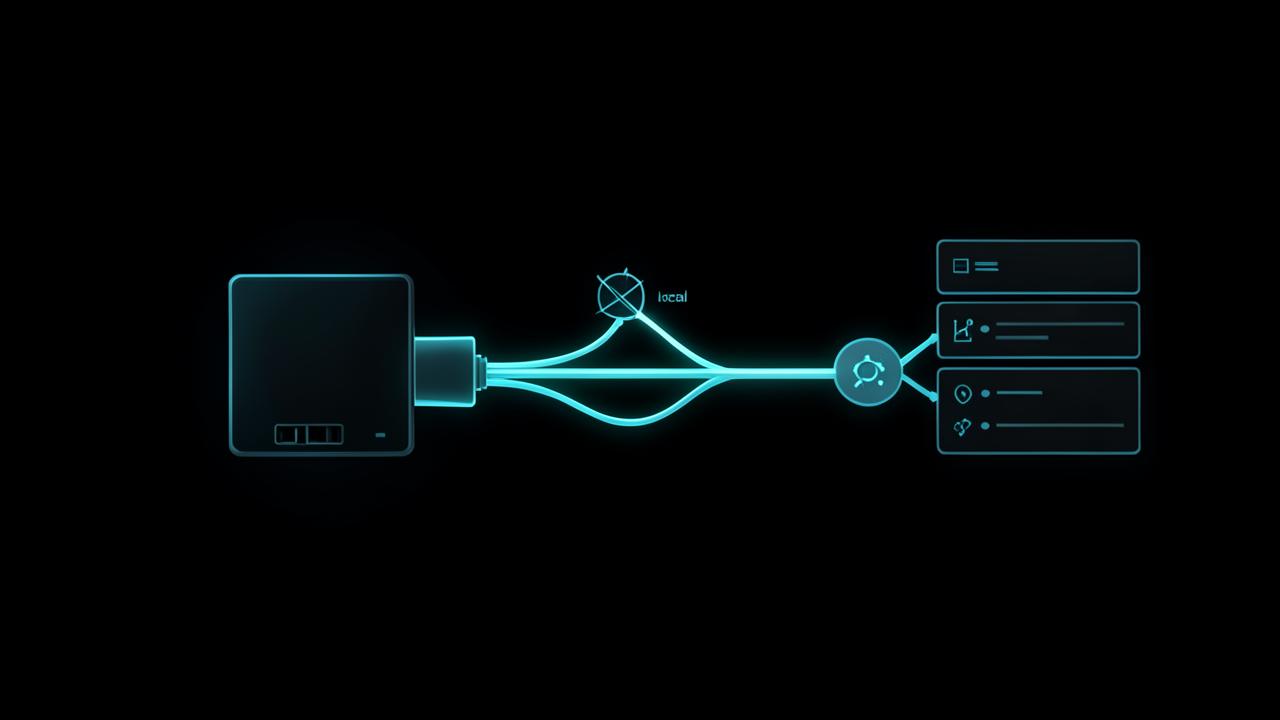
Google's own Chrome documentation and the Incognito splash screen state plainly that private browsing does not prevent your activity being visible to the websites you visit, to your employer or school if you are on their network, or to your internet service provider.
- Your IP address. Every request still carries it, so sites can see your approximate location and network — check yours with our IP lookup tool inside a private window and compare it to a normal one; the result is identical.
- DNS lookups. The domains you resolve are still visible to whoever runs the resolver, whether that is your provider or a public resolver.
- Network-level logging. A workplace, school or public hotspot sees the same connections it always did.
- Anything you sign into. The moment you log in, that activity is attached to your account, private window or not.
- Device fingerprinting. Screen size, fonts, timezone and hardware details still form a recognisable profile, which we explain in what browser fingerprinting is.
The court case that forced clearer wording
The gap between what users assumed and what Incognito did became a legal matter. In Brown v. Google LLC (N.D. Cal., No. 4:20-cv-03664), plaintiffs alleged Google continued collecting data about Incognito sessions. A settlement announced on 1 April 2024 required Google to destroy billions of browsing-data records collected in Incognito mode and to revise its Incognito disclosures; individual damages claims were left to proceed separately rather than being paid out as a class fund.
The practical result is the more explicit warning screen users now see. The technology did not change — the description of it did.
What to use when you want real privacy
Match the tool to the observer you are trying to remove.
- Hide your IP address and destinations from your provider or a public network: a reputable VPN. Start with what a VPN is and whether you need one.
- Reduce tracking across sites: a tracker-blocking extension, strict cookie settings, and a browser that partitions storage by site.
- Stop your provider seeing your DNS queries: encrypted DNS, and verify it is working — our post on how to check if your DNS is leaking shows how.
- Keep a search or shopping session separate from your identity: a private window plus not signing in.
- Prevent household members seeing your activity: private browsing is exactly the right tool, and nothing more is needed.
A common misunderstanding worth clearing up
Private browsing does not make an unsafe site safe. A phishing page harvests credentials just as effectively in a private window, and a malicious download still lands on your disk. If a link looks wrong, the check you need is the one in how to tell if a website is legit, not a different browser mode.
It also does not stop price personalisation reliably. Sites can still profile you by IP address and device characteristics even with an empty cookie jar.
So is incognito mode worth using?
Yes — for the job it was built for. It is a clean-slate browsing session that leaves nothing behind locally, which is exactly what you want on a borrowed laptop, a library computer or a family desktop.
The mistake is treating it as anonymity. Incognito hides you from the person who picks up your device next, not from the internet.
What each observer can still see
It helps to name the observers separately, because private browsing removes exactly one of them and leaves the rest untouched.
- Someone else using your device: removed, which is the mode's entire purpose.
- The websites you visit: unchanged. They see your IP address, your device characteristics and anything you submit.
- Your employer, school or hotspot operator: unchanged, since the traffic still crosses their network.
- Your internet provider: unchanged, and stated explicitly in Google's own disclosure.
- Advertising and analytics networks: partially reduced, because the cookie jar starts empty — but fingerprinting and IP-based matching still work.
Testing it yourself in two minutes
- Open a normal window, note the address our IP tool reports, then repeat in a private window. The value is identical.
- Sign into an account in a private window and watch the service record the login exactly as usual.
- Visit a site, close the private window, reopen it, and confirm you are signed out — that is the local-only cleanup working as designed.
- Connect a VPN and repeat step one. Now the reported address changes, which shows which layer actually controls visibility.
Running those four steps once tends to end the confusion permanently: the mode governs storage, the network governs identity, and only the second is what people mean by hiding.
Private windows also do nothing about device-level tracking — see what browser fingerprinting is and why it works through a VPN.
Frequently Asked Questions
Does incognito mode hide my IP address?+
No. A private window sends requests from exactly the same IP address as a normal window, so every site you visit still sees your network and approximate location. Only a VPN or proxy changes the address that sites observe.
Can my internet provider see incognito browsing?+
Yes. Google's own Chrome documentation states that Incognito does not hide your activity from your internet service provider, your employer or school network, or the websites you visit. Private browsing only affects what is stored on your device.
What does incognito mode actually delete?+
When you close the last private tab, the browser discards that session's history entries, cookies, site storage and form input. Files you downloaded and bookmarks you created during the session remain on your device.
Did Google get sued over incognito mode?+
Yes. In Brown v. Google LLC, a settlement announced on 1 April 2024 required Google to destroy billions of browsing records collected during Incognito sessions and to update its Incognito disclosures.
Is incognito mode enough to browse anonymously?+
No. Anonymity requires hiding your IP address and reducing device fingerprinting, which private browsing does not attempt. Use it to keep a session off the local device, and a VPN plus tracker blocking if the goal is network privacy.
Related articles
Browse all in Privacy & SecurityBest Identity Theft Protection Services in 2026 (Aura vs LifeLock vs IDShield Compared)
Read Privacy & SecurityBest VPN for Torrenting and Streaming Safely in 2026
Read Privacy & SecurityBest Private, Encrypted Email Providers in 2026 (ProtonMail vs Tutanota)
Read Privacy & SecurityBest Parental Control Apps in 2026 (Protect Your Kids Online)
Read Privacy & SecurityBest Antivirus Software in 2026: Which One Actually Protects You?
Read Privacy & SecurityWhat Is Browser Fingerprinting? Why It Tracks You Even With a VPN On
ReadTry the related free tools
Hands-on utilities from DigiMetrics Hub that go with this guide.
IP Blacklist Checker
Check if your IP address is listed on any spam or blacklist database. Free online tool.
Open tool Security & PrivacyBrowser Fingerprint
Check your browser fingerprint and see what data websites can collect about you. Free privacy tool.
Open tool Security & PrivacyPassword Strength Checker
Test the strength of your password and get tips to make it more secure. Free online tool.
Open tool Security & PrivacyEmail Validator
Validate any email address format instantly. Free online email checker, no signup required.
Open tool