
What Is a QR Code and How Does It Work? (2026 Guide)
Learn what a QR code is, how QR codes work, how to create a free QR code, and all the ways businesses use them in 2026.
What Is a QR Code and How Does It Work? (2026 Guide)
They're on restaurant tables, cereal boxes, business cards, payment terminals — and after 2020, they showed up almost everywhere overnight. QR codes finally became the default way to bridge a physical object and a digital action. Here's how they actually work, and how to make your own in under a minute.
What Is a QR Code?
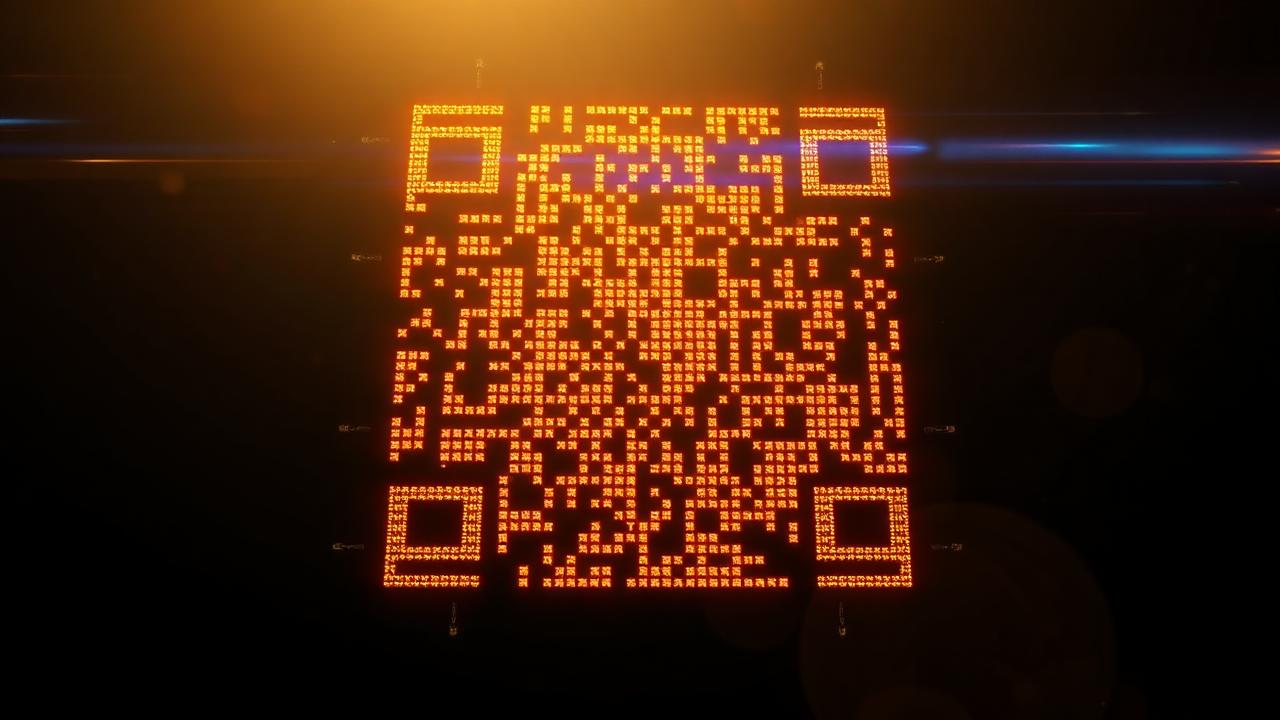
A QR code is a 2D matrix barcode that stores information — a URL, plain text, WiFi credentials, contact details, even payment data — in a pattern of black and white squares that any camera can read.
'QR' stands for 'Quick Response'. Denso Wave invented the format in 1994 to track car parts. Three decades later, billions of people scan one every day.
How Does a QR Code Work?
- Encoding: your data is converted to binary, then placed into a matrix of black and white modules with built-in error correction.
- Reading: a smartphone camera locates the three large 'finder' squares in the corners and decodes the matrix.
- Output: the decoded data triggers an action — opens a URL, joins WiFi, adds a contact, or sends a payment.
Static vs Dynamic QR Codes
- Static — the data is baked in permanently. Cannot be changed once printed.
- Dynamic — the QR points to a redirect URL whose destination you can edit later. Also enables scan analytics.
- Use static for one-off WiFi shares; use dynamic for marketing campaigns and anything you'll update.
Types of QR Codes (By Content)
- URL / website link.
- WiFi credentials — guests connect with one scan.
- vCard — contact information.
- Pre-filled email or SMS message.
- Payment — already the dominant payment method across much of Asia.
How to Create a Free QR Code
- Open the DigiMetrics Hub QR Code Generator.
- Choose your QR code type (URL, WiFi, text, etc).
- Enter your content.
- Click Generate.
- Download as PNG or SVG.
Generate your free QR code in seconds.
Open QR Code GeneratorHow Businesses Use QR Codes in 2026
- Restaurant menus — contactless ordering.
- Business cards — link to portfolio or LinkedIn.
- Product packaging — ingredient details, reorder links, warranty registration.
- Event check-in and ticketing.
- Payments via Stripe, PayPal and bank apps.
- Marketing campaigns with built-in scan tracking.
Are QR Codes Safe? (Security Awareness)
'QRishing' is the practice of placing malicious QR codes — sometimes as stickers over real ones — that link to phishing pages. Always check the URL preview your camera shows before tapping 'open', and prefer scanner apps that surface the destination clearly.
Frequently Asked Questions
Do QR codes expire?+
Static QR codes never expire because the data is embedded directly. Dynamic QR codes can stop working if the hosting service subscription lapses or the redirect URL is changed or deleted.
Can a QR code contain a virus?+
A QR code itself cannot contain executable code or a virus. However, it can link to a malicious website that attempts to download malware or steal credentials — always verify the destination URL before continuing.
What is the difference between static and dynamic QR codes?+
Static QR codes encode data directly into the pattern and cannot be changed after printing. Dynamic QR codes store a short redirect URL whose destination you can update anytime, and they typically offer scan analytics like location and device type.
What is the maximum amount of data a QR code can hold?+
A standard QR code can hold up to 4,296 alphanumeric characters, 7,089 numeric characters, or 2,953 bytes. The more data you encode, the denser the pattern becomes and the harder it becomes to scan reliably.
Related articles
Browse all in Developer ToolsHow to Check If a Website Is Down (or Just You) — 5 Fast Ways
Read Developer ToolsWhat Is WHOIS Lookup and How to Use It
Read Developer ToolsWhat Is HTTP Status Code (200, 404, 500 Explained)
Read Developer ToolsBest Free Online Tools for Developers (2026)
Read Developer ToolsWhat Is Web Scraping? How It Works, Uses, and Tools (2026)
Read Developer ToolsWhat Is a CDN (Content Delivery Network)? Guide 2026
ReadTry the related free tools
Hands-on utilities from DigiMetrics Hub that go with this guide.
Base64 Encoder
Encode or decode Base64 strings instantly online. Free Base64 converter, no signup required.
Open tool Developer ToolsURL Encoder
Encode or decode URLs instantly online. Free URL encoder and decoder, no account needed.
Open tool Developer ToolsJWT Decoder
Decode and inspect any JWT token instantly. Free online JWT decoder with header and payload display.
Open tool Developer ToolsHash Generator
Generate MD5, SHA-1, SHA-256 and SHA-512 hashes from any text. Free online hash generator.
Open tool